
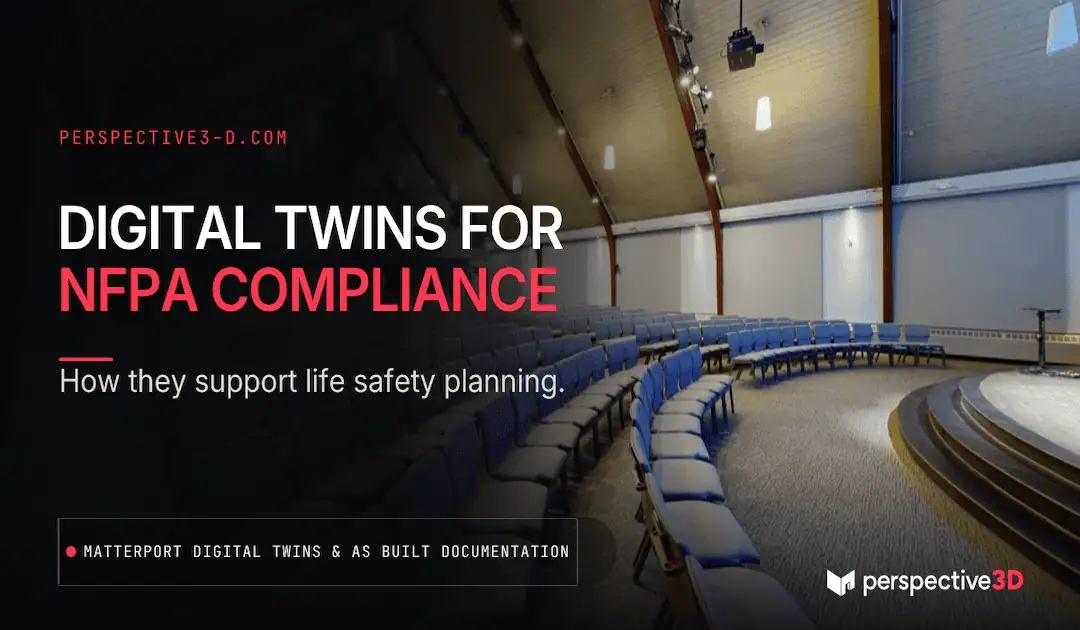
A Matterport digital twin NFPA compliance approach supports life safety and NFPA-related planning by giving facility teams and fire officials an accurate, walkable record of a building’s layout, egress routes, and fire protection systems. It doesn’t replace code review or system inspection — it gives everyone involved a shared, accurate picture to work from.
This post is for facility managers and safety officers in Michigan who want to understand where digital twins fit into life safety planning and where they don’t.
What Role Does a Digital Twin Play in Life Safety Planning?
A digital twin gives safety teams a reference they can walk through remotely to confirm egress paths, fire suppression equipment locations, and general building layout without physically visiting every space. Pre-incident planning, life safety reviews, and internal audits all depend on someone accurately understanding the building’s layout — a digital twin makes that understanding available to anyone with access, not just the person who happened to walk the building last.
It’s a reference layer, not a monitoring system. It shows where things are and how spaces connect. It doesn’t sense smoke, monitor alarm status, or track live conditions — that’s the job of the building’s actual fire protection and life safety systems.
Does NFPA Require Digital Twins or 3D Scans?
No. NFPA codes set requirements for fire alarm systems, suppression equipment, and life safety features — they don’t mandate a specific documentation format like a Matterport scan or digital twin. A Matterport digital twin NFPA compliance approach is a voluntary practice, not a code requirement: what NFPA-aligned facilities do need is accurate, current information about the building, and a digital twin is one effective way to produce and maintain that information.
Where digital twins are becoming useful in this space is supporting the documentation that sits alongside code compliance — showing inspectors and internal teams exactly where equipment is located, confirming that as-built conditions match what’s on file, and giving fire officials a way to review a building’s layout before responding to it.
How Do Facility Teams Actually Use This Day to Day?
Facility teams use the digital twin as a shared reference during life safety walkthroughs, insurance inspections, and internal audits — pulling it up to confirm layout and equipment locations instead of scheduling another site visit. It also gets used to brief new safety staff or contractors on a building’s layout before they arrive, which matters most in larger or more complex facilities where getting oriented takes real time.
For facilities with multiple buildings, the twin becomes part of the standard onboarding packet for new safety officers or third-party inspectors — one consistent way to see the building before setting foot in it.
What’s the Difference Between Documentation and Compliance?
Documentation shows what a building looks like and where things are. Compliance is a determination — made by a code official, fire marshal, or qualified consultant — about whether that building meets the applicable NFPA standards and local code. A digital twin belongs entirely in the first category. It’s a tool that makes compliance review faster and more accurate, but it can’t make the compliance determination itself.
Facility managers sometimes conflate the two because good documentation makes compliance problems easier to spot. If a twin shows an exit path partially blocked by stored equipment, that’s useful information — but it’s the safety officer or fire marshal who decides whether it’s a violation and what needs to happen next.
What’s the Michigan Context for This?
A manufacturing facility in West Michigan with a mix of production floor, warehouse, and office space is a common layout where this matters. Egress routes change as equipment gets reconfigured, storage racking moves, and floor plans get modified over the years — often faster than the facility’s safety documentation gets updated. A current digital twin gives the safety team an accurate reference to catch those gaps before an inspection does.
The same pattern shows up in older commercial buildings across West Michigan that have gone through multiple tenant buildouts. Each buildout tends to leave the safety documentation a little further behind the actual layout. A digital twin captured after each major change keeps that gap from compounding year over year.
Where This Approach Has Limits
A digital twin documents physical layout. It does not evaluate whether a building’s fire protection systems meet current code, and it doesn’t replace a qualified life safety consultant’s assessment. Treat it as documentation that supports that review — not a substitute for it. It’s also only as current as the last scan, so a facility that changes frequently needs a re-scan schedule to keep the record useful for safety purposes.
Can a digital twin replace a fire marshal’s inspection?
No. A digital twin documents the building’s layout and can support an inspection by giving the inspector a reference to review in advance, but it doesn’t replace the physical inspection or the code review that comes with it.
How often should a facility be re-scanned for life safety purposes?
That depends on how often the layout changes. Facilities with frequent reconfiguration — moved equipment, new storage layouts, tenant changes — should re-scan after major changes. Stable facilities can go longer between scans.
Does the digital twin show fire alarm or suppression system status?
No. It shows the physical location of equipment and the building’s layout at the time of capture. Live system status comes from the building’s actual fire alarm and monitoring systems, not from the scan.
Who typically requests this kind of documentation?
Facility managers, safety officers, and sometimes insurance carriers during underwriting or claims review. Public and multi-tenant facilities request it most often because the layout complexity makes an accurate reference more valuable.
Related Reading
- What Is the Golden Thread — and Why Does It Matter for US Building Owners?
- The Case for a Verifiable Spatial Record of Every Building You’re Responsible For
- What Facility Managers Need to Know About Building Documentation Standards
Want to talk through documentation for a specific facility? Call 616-312-3947 or visit perspective3-d.com/contact.