
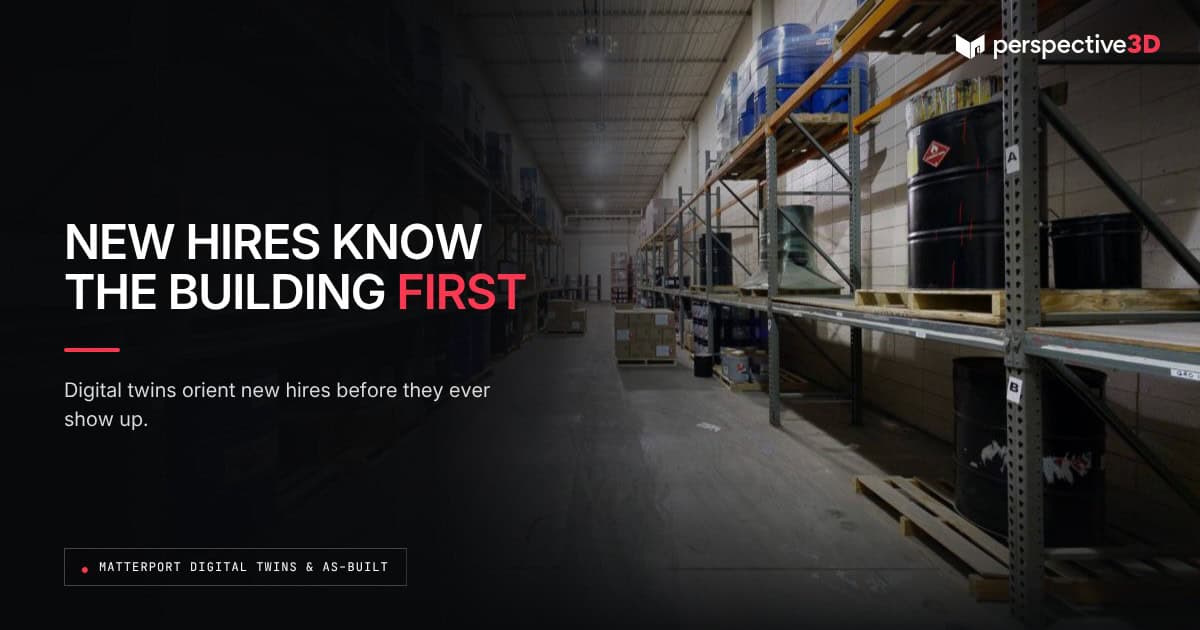
A new employee can walk a large or unfamiliar building on their laptop before their first shift, instead of learning the layout in person on day one. Matterport facility onboarding new employee programs use a digital twin to do exactly that, turning a building tour into something a new hire can do from home.
This post is for facility managers and HR teams onboarding staff into large, multi-building, or complex sites who want a faster, more consistent way to orient new employees.
What problem does this actually solve?
Large facilities — hospitals, distribution centers, manufacturing plants, campuses — are hard to learn quickly. New employees often spend their first days getting lost, asking for directions, or relying on whichever coworker has time to walk them around. A Matterport digital twin lets a new hire preview the building layout before arriving, so day one starts with orientation already underway instead of starting from zero.
How do facility teams actually use the digital twin in onboarding?
Most add a link to the Matterport tour in onboarding materials sent before the start date. New hires click through key areas — their workstation, break rooms, exits, parking, and any areas relevant to their role — at their own pace. Some facility teams add text tags directly in the model pointing out specific rooms or safety information, so the tour doubles as a lightweight orientation guide.
Does a matterport facility onboarding new employee tour replace in-person orientation?
No. It replaces the part of orientation that’s just about learning where things are. In-person time on day one can then focus on people, process, and role-specific training instead of spending the first hour walking hallways. Facility teams that have added this step report new hires arriving more confident and needing fewer directions in the first week. For general orientation best practices beyond the building itself, SHRM’s guidance on new employee orientation is a useful reference.
What kind of facility benefits most from this approach?
Facilities with high seasonal or shift-based turnover, multiple buildings, or layouts that are genuinely hard to learn quickly get the most value. A single-floor office with twelve employees doesn’t need this. A 200,000-square-foot distribution center with rotating shifts and frequent hiring does.
Where does this approach fall short?
A digital twin shows layout, not live conditions. It won’t reflect a shelving reconfiguration from last week or a temporary detour around a maintenance project. Facility teams using this for onboarding should treat the model as a general orientation tool and expect new hires to still confirm current conditions with a supervisor on day one. Even so, matterport facility onboarding new employee programs consistently cut down on first-week questions about where things are.
Frequently Asked Questions
How is a matterport facility onboarding new employee tour different from a printed floor plan in an employee handbook?
A printed floor plan is static and two-dimensional. A Matterport tour lets a new hire move through the actual space, which is easier to understand quickly than reading a diagram.
Do we need to rescan the building every time we hire someone?
No. The scan is a one-time or periodically updated capture. New hires just get a link to the existing model, no new scan is needed per employee.
Can this be restricted to specific areas for security reasons?
Yes. Facility teams can share links to specific portions of a larger model, so new hires only see the areas relevant to their role.
How often should the onboarding model be updated?
Update it any time the building undergoes a layout change significant enough to confuse a new hire: a new wing, a major reconfiguration, or a change in main entrances.
Related Reading
- How a 3D Scan Makes a Physical Space Available to Everyone
- The Case for a Verifiable Spatial Record of Every Building You’re Responsible For
Call 616-312-3947 or visit perspective3-d.com/contact to scope a facility scan for onboarding.