
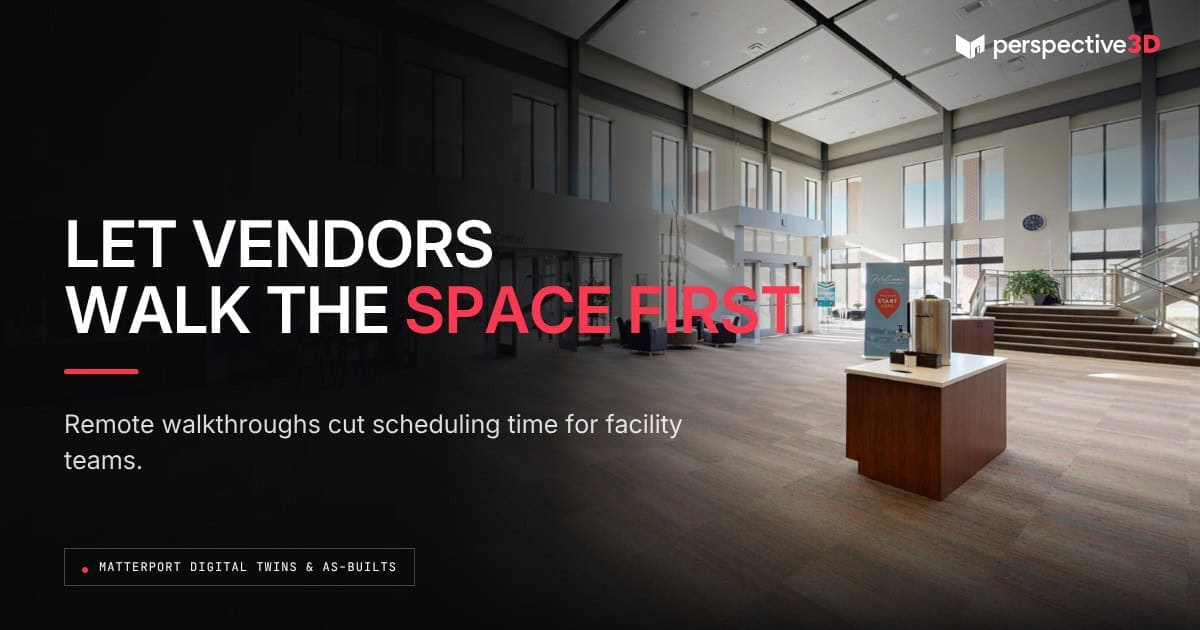
Vendor coordination for remote walkthroughs let an outside contractor, vendor, or consultant review a space inside a Matterport digital twin before ever stepping on site. Facility teams use this to scope work, answer basic access and layout questions, and cut down on the visits that exist only to look around.
This post is for facility managers and operations teams who coordinate multiple outside vendors and want to reduce the scheduling load that comes with it.
What is vendor coordinated remote walkthroughs and how does it work?
Vendor coordinated remote walkthroughs is when a vendor has the opportunity to review the digital twin on their own time, from any device, instead of scheduling an in-person visit to see the space. The facility team shares a link, the vendor navigates the model, records what they need, and comes back with questions or a quote. There is no calendar coordination required for that first look. It becomes a more efficient process for everyone.
This works especially well for vendors serving multiple properties in a portfolio. A specialty contractor that services five buildings across West Michigan can review all five digital twins in one sitting instead of driving a circuit between sites just to see what each job involves.
The time savings compound across a busy quarter. A facility team fielding bids from four or five vendors on the same project used to schedule four or five separate site visits, often spread across several weeks because everyone’s calendar has to line up. With a shared digital twin, every vendor can review the space the same week, which shortens the whole bidding timeline without adding pressure to anyone’s schedule.
Which visits actually get replaced by a remote walkthrough?
Vendor coordination for remote walkthroughs replaces the visits whose only purpose is answering “what does this space look like and what will I need.” That covers a lot of ground: janitorial and cleaning bids, IT and cabling scopes, signage and branding installs, and early-stage renovation estimates. Any vendor whose first visit is really a fact-finding trip can usually start there instead.
It doesn’t replace the visit where the vendor needs to be physically present to measure something the model can’t capture precisely, test equipment, or begin the actual work. A remote walkthrough moves that first visit later in the process — it doesn’t eliminate hands-on work altogether.
This also helps facility teams manage vendors who serve properties outside the immediate area. A specialty equipment vendor based farther away doesn’t need to build a site visit into their travel plans before deciding whether the job is worth bidding on — they can make that call from the model first.
How does a facility team share access with an outside vendor?
A facility team shares access to the digital twin the same way they’d share any link: through email, a vendor portal, or a project management tool. No login, account, or software installation is required on the vendor’s end, which keeps the barrier to entry low for one-time or infrequent vendors.
For vendors who need to reference building safety information before arriving on site, some facility teams pair the model link with the site’s safety orientation materials, following the kind of contractor pre-visit preparation that OSHA recommends for outside workers entering an unfamiliar facility. The twin handles the spatial questions; the safety briefing still needs to happen separately.
Setting this up doesn’t require new software on the facility team’s side either — it’s the same digital twin already in use for asset tracking and capital planning, shared with a new audience for a specific purpose.
Where does a vendor remote walkthroughs fall short?
A remote walkthrough falls short wherever a vendor needs to touch, test, or sample something physically — checking water pressure, testing an electrical panel, or sampling air quality all require someone on site. It also falls short for a vendor who genuinely needs to gauge conditions a camera can’t fully capture, like ambient noise or odor.
The practical rule: if the vendor’s first question is about layout, dimensions, or general condition, a remote walkthrough answers it. If the first question requires a physical test, schedule the visit and use the twin to prepare for it instead of replacing it.
It’s worth setting that expectation with vendors up front. A remote walkthrough works best when everyone understands it’s step one, not the whole process — vendors who treat it as a substitute for due diligence on a complex scope can end up with a quote that doesn’t hold up once they’re on site. Facility teams that get the most value out of this treat the remote walkthrough as a standing part of the vendor onboarding process, not a one-off convenience for a single project.
Frequently Asked Questions
Can multiple vendors view the same digital twin at once?
Yes. The same link can be shared with as many vendors as needed, and each one navigates the model independently on their own schedule.
Can a vendor take measurements directly inside the model?
Yes. Matterport’s built-in measurement tool lets a vendor measure distances, room dimensions, and clearances inside the model without a tape measure on site.
Does a remote walkthrough work for vendors bidding competitively?
Yes, and it can make bids more consistent, since every vendor reviews the exact same space and conditions rather than relying on separate site visits at different times.
How long does access to the digital twin last?
That depends on the hosting plan the facility team has in place. Most facility twins stay hosted and accessible as long as the account remains active, so vendors can reference it again on future projects.
Does this reduce how many vendors need site access badges or escorts?
It can, for the scoping and bidding stage. Vendors who move forward with the work still need standard site access for the visits that require physical presence.
Related Reading
- Matterport Digital Twins for Facility Management: From Drawings to Daily Operations
- Matterport Asset Management Equipment Inventory Guide
- Capital Planning Reality Capture: A Facility Guide
- Matterport Digital Twins for Facility Management: From Drawings to Daily Operations
Call 616-312-3947 or visit perspective3-d.com/get-in-touch to scope vendor coordination for your facility.