
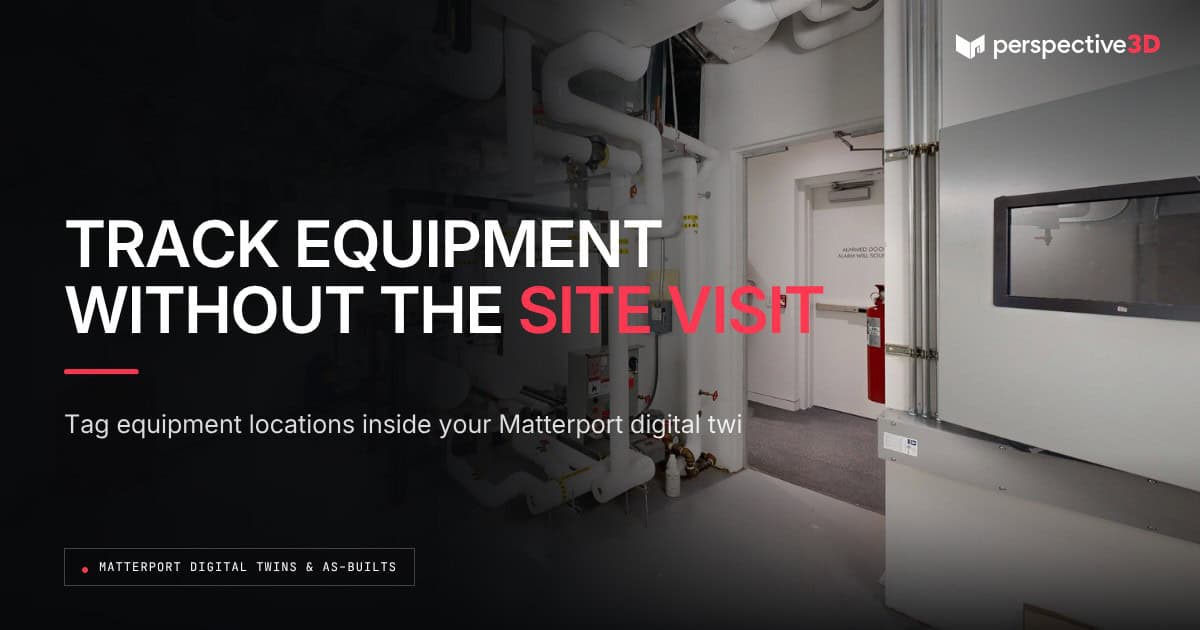
A Matterport digital twin gives facility teams a visual record of equipment locations, condition, and identifying details that supports asset management and equipment inventory work. Instead of a spreadsheet with no spatial context, the inventory is tied to exactly where each asset sits inside the building.
This post is for facility managers and operations teams who track equipment across a building or portfolio and want a faster, more reliable way to locate, verify, and document it.
What does asset tracking with a digital twin actually look like?
Asset tracking with a digital twin means tagging equipment locations directly inside the 3D model, so anyone opening it can see what’s there and where, without walking the space. A rooftop unit, a boiler, a server rack, or a fleet of fire extinguishers all get a fixed spatial location in the model that doesn’t depend on someone remembering where it is or updating a floor plan by hand.
Facility teams typically pair this with tags or notes inside the Matterport model — make, model, install date, or a link out to a manufacturer spec sheet. The model becomes the index. The underlying asset management system still holds the detailed records; the twin makes those records easier to find and verify.
This is especially useful for equipment that changes hands between departments or vendors over its lifecycle. A facilities team, a capital projects team, and an outside maintenance contractor can all look at the same tagged location in the twin and know they’re talking about the same unit, instead of relying on inconsistent naming across three different spreadsheets.
How does a digital twin help with equipment inventory audits?
A digital twin speeds up an equipment inventory audit by letting someone verify what’s in a space and where before, or instead of, walking every floor in person. An annual inventory check that used to take a team member a full day walking a building can start with a review of the model, flagging only the items that need in-person verification.
This matters most for facilities with equipment in hard-to-reach or infrequently visited areas — mechanical mezzanines, roof access points, or back-of-house storage. Facility teams managing multi-building portfolios in West Michigan use this to prioritize which sites need a physical walkthrough this cycle and which can be verified against the existing model.
It doesn’t replace every audit requirement. Insurance and warranty documentation often calls for a physical, dated inspection record, not just a visual model. The digital twin supports that process by narrowing down what needs eyes on it, not by standing in for the inspection itself.
Facility teams also use this narrowing effect ahead of budget season. Reviewing the model before a capital or maintenance budget cycle surfaces aging equipment that might otherwise get missed until it fails, since the visual record makes condition easier to spot than a line item in a spreadsheet.
Can a digital twin replace a CMMS or asset management platform?
A digital twin doesn’t replace a CMMS or asset management platform. It works alongside one, giving the data in that system a spatial reference. The platform still owns the work order history, maintenance schedule, and asset lifecycle data. The twin answers the question the platform can’t: what does this look like, and exactly where is it.
Organizations like BOMA International have long emphasized documented, current building records as part of responsible facility operations. A digital twin is a practical way for a facility team to build that documentation without adding a new software platform to manage.
The same principle applies across a portfolio. A regional facility manager overseeing several buildings can review equipment inventory site by site from a desk, flagging discrepancies before scheduling a site visit rather than discovering them on arrival.
What happens when equipment gets replaced or moved?
When equipment gets replaced or moved, the digital twin needs a note or a rescan to stay accurate — it doesn’t update itself. Minor swaps (like-for-like equipment in the same spot) can often be handled with an updated tag inside the existing model. Larger changes, like a full mechanical room retrofit, are a good trigger to reassess whether the whole space needs a fresh scan.
That decision — when a change is big enough to warrant a rescan versus a simple update — is covered in Digital Twin Rescan Schedule: A Guide for Facility Teams.
Setup is usually a one-time effort per building. Once locations and basic details are tagged inside the model, ongoing maintenance is limited to updating notes when something changes — it doesn’t require re-tagging the whole inventory each cycle.
Frequently Asked Questions
Does the digital twin automatically read barcodes or serial numbers?
No. Matterport captures the visual and spatial model. Asset details like serial numbers get added as tags or notes by the facility team, tied to the equipment’s location in the model.
Can equipment tags be updated without a new scan?
Yes, for like-for-like changes. Updating a tag’s notes or details doesn’t require a rescan. A rescan is only needed when the physical space itself changes.
Does this work for portfolios with hundreds of pieces of equipment?
Yes. Larger inventories usually benefit the most, since the time saved on locating and verifying equipment scales with the number of items being tracked.
Does a digital twin satisfy insurance documentation requirements for equipment?
It can support that documentation by showing condition and location at a point in time, but insurance and warranty requirements often call for a dated physical inspection as well. Check with the specific carrier or manufacturer before relying on the twin alone.
What does it cost to set up asset tracking in a digital twin?
The scan itself follows P3D’s standard $0.10 to $0.25 per square foot rate. Tagging equipment inside the model is a separate step facility teams typically handle themselves, since they know the assets best.
Related Reading
- Matterport Digital Twins Facility Management Guide
- Vendor Coordination Remote Walkthroughs: A Facility Guide
- Capital Planning Reality Capture: A Facility Guide
- Matterport Digital Twins for Facility Operations: From Drawings to Daily Use
Call 616-312-3947 or visit perspective3-d.com/contact to scope asset tracking for your facility.